Parcel tracking starts in the mailroom
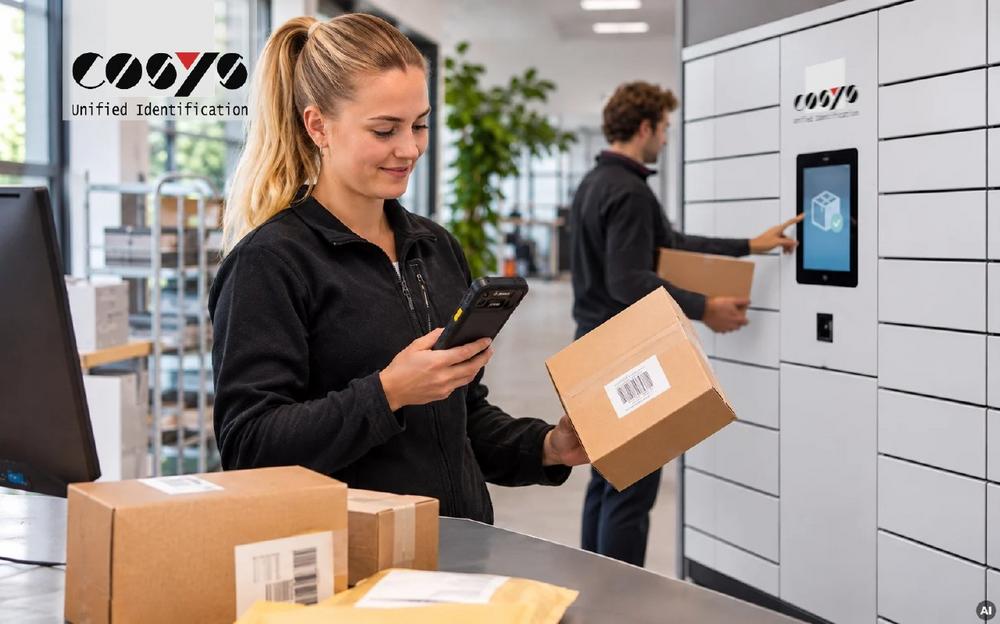
With COSYS Parcel Management Software, mailroom staff register incoming parcels in the app on a smartphone or handheld scanning device such as the Zebra TC201. They scan the barcode and assign the parcel to its recipient and intended destination. If the carrier’s label has no usable barcode, the mailroom can assign its own identifier so staff can recognise and record the same parcel at each subsequent handover.
Every handover builds the parcel history
Internal parcel tracking (Track & Trace) builds on the record created at intake. The internal courier scans the parcel when taking it out on a delivery round. A further scan at a distribution point records the next handover. Each update shows how far the parcel has progressed and gives staff a clear starting point if a delivery is queried.
Authorised staff can review the recorded steps in COSYS WebDesk. When a recipient asks about a parcel, the mailroom can check the latest update and contact the team responsible for that particular handover. This saves calls and emails to teams that have already passed the parcel on.
Smart lockers close the loop on collection
At the collection point, the courier assigns the parcel to a compartment in a COSYS Smart Locker. The recipient is notified when the parcel is ready and uses their individual access credentials to collect it. Where the locker installation is configured to record collection, that event is added to the parcel history. The mailroom can then distinguish between parcels still waiting in a compartment and those already collected.
If the intended compartment is occupied or too small, the mailroom can arrange another collection point or a handover in person. Recording the change in the parcel management software gives staff the correct location to share if the recipient gets in touch.
Keep shared devices ready for each shift
COSYS Mobile Device Management (MDM) lets IT deploy the parcel management app and its updates centrally across the smartphones and handheld scanners used by mailroom and delivery teams. This is especially useful when staff share devices across shifts or need a replacement scanner. IT can configure the devices consistently, saving each team from having to install and maintain the app themselves.
Process data shows where parcels spend time waiting
Business Intelligence (BI) and Process Data Analysis (PDA) use the recorded times for intake, internal handover and collection to show where delays build up. If parcels for one building regularly wait before reaching a locker, the mailroom can check whether the delivery round starts too late or parcels sit at an intermediate distribution point. If parcels reach the locker quickly but go uncollected for longer, staff can review collection hours and access to the lockers. That gives teams a specific part of the process to improve.
Conclusion
COSYS brings parcel intake, internal handovers and smart locker collection together in one record. Delivery teams can log handovers as they happen, mailroom staff can answer enquiries faster, and recipients know when their parcel is ready to collect.
Tip:
Use COSYS optical character recognition (OCR) at intake to read printed details such as the recipient’s name from the shipping label and cut down on manual typing. If two employees share a name, check the department or destination before assigning the parcel.
Cosys Ident GmbH
Am Kronsberg 1
31188 Holle – Grasdorf
Telefon: +49 (5062) 900-0
Telefax: +49 (5062) 900-30
http://www.cosys.de
Telefon: +49 (5062) 900-0
E-Mail: vertrieb@cosys.de
